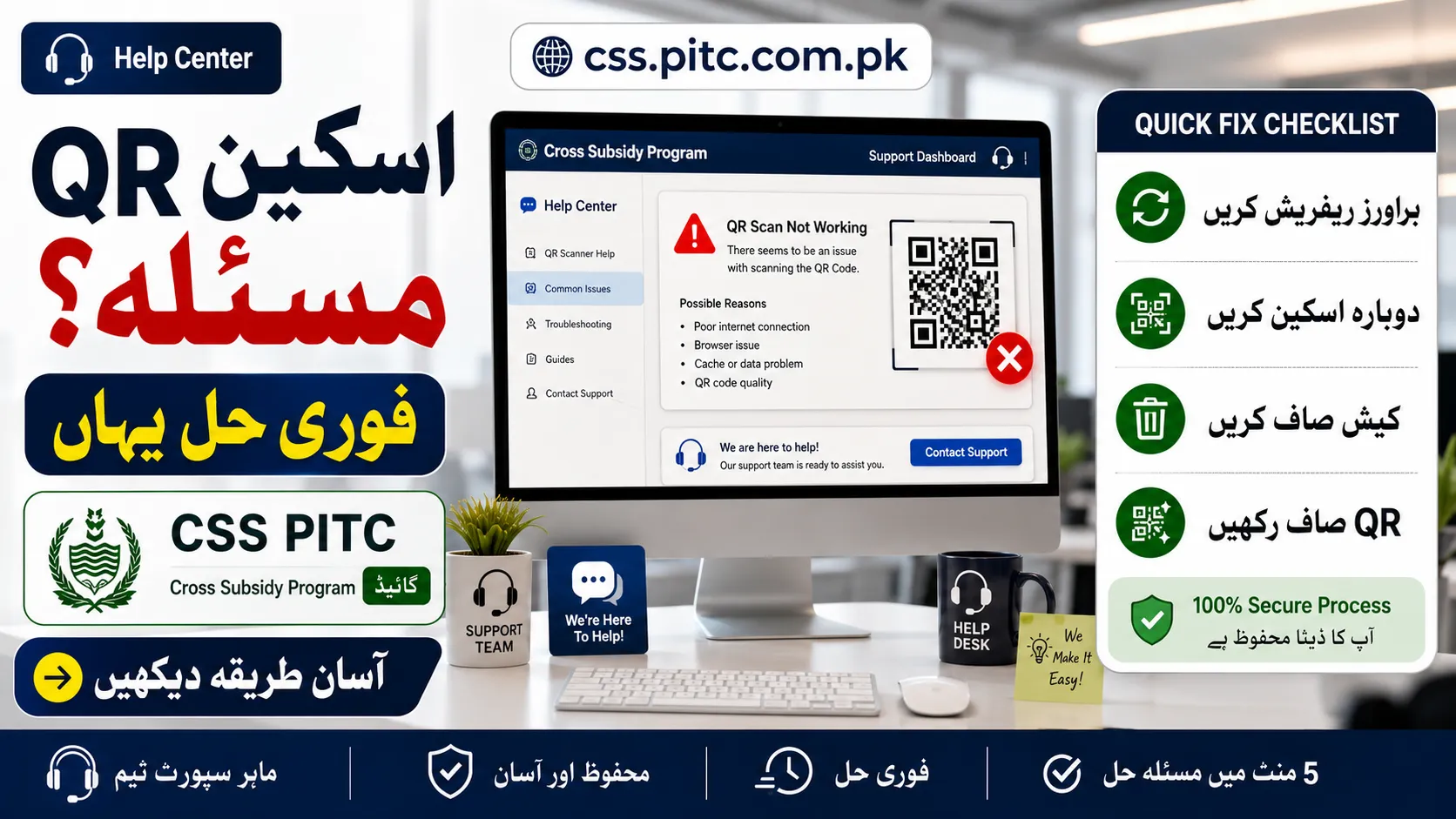
Pakistan are facing QR scan errors, blank loading screens, portal delays, and failed redirects while trying to check eligibility or access the subsidy registration system.
This guide explains why the issue happens, how to fix the problem quickly, who may qualify for the support program, and how the application process works without confusion.
If your electricity bill QR code is not responding, loading endlessly, or showing an error page, the solution may be simpler than you think.
What Is the CSS PITC Cross Subsidy Program?
The CSS PITC Cross Subsidy Program is a digital electricity relief initiative designed to help qualifying households in Pakistan manage rising power costs. The system connects eligible consumers with subsidy verification through the official platform linked to electricity billing records.
The program generally focuses on financially struggling households, lower consumption users, and qualifying beneficiaries identified through verification systems.
Because access is often connected through a QR code printed on electricity bills, technical issues can stop users from reaching the correct registration page.
Why Is the QR Scan Not Working on CSS PITC?
Several reasons can cause the QR scanner to fail when opening the PITC subsidy portal.
Common causes include:
- Weak internet connection
- Temporary portal overload
- Expired browser cache
- Damaged or blurred QR print
- Outdated camera scanning software
- Redirect server timeout
- Device compatibility issues
- High traffic during peak application hours
Sometimes the problem is not with your phone at all. The official system may be under maintenance or handling too many requests at once.
Quick Fixes for CSS PITC QR Code Errors
If the QR scan fails, try these practical solutions.
1. Clean the Camera Lens
A dusty or unclear lens can prevent proper scanning. Wipe the camera gently and try again.
2. Improve Lighting
Dark environments often make QR recognition difficult. Move into brighter lighting for a clearer scan.
3. Use a Stable Internet Connection
Slow mobile data may interrupt portal redirection. Switching to stronger Wi-Fi or better network coverage can help.
4. Refresh Your Browser
If the portal opens but remains stuck, refresh the page and reopen the link.
5. Try Another Browser
Some users experience better results with Chrome, Edge, or Firefox compared to older default browsers.
6. Clear Cached Data
Stored browser files sometimes create loading conflicts. Clearing cache often resolves repeated access errors.
7. Scan During Off-Peak Hours
Heavy traffic can slow the official system. Early morning or late evening may work better.
8. Update Your Device Software
Older operating systems occasionally struggle with newer web redirects.
Signs the Official Portal Is Temporarily Busy
You may be dealing with a server issue if you see:
- Blank white page
- Connection timeout
- Loading circle that never stops
- Redirect failure
- Submission page not opening
- Temporary unavailable warning
In these situations, waiting and retrying later is usually the safest option.
CSS PITC Cross Subsidy Program Eligibility
Eligibility depends on official verification rules. Requirements may change according to government updates.

Consumers commonly considered for review may include:
| Category | Possible Qualification |
|---|---|
| Low electricity users | Lower monthly consumption history |
| Financially struggling households | Income-based review |
| Verified support beneficiaries | Matching official assistance records |
| Eligible domestic consumers | Approved electricity connection type |
Providing accurate billing and identity information helps prevent verification delays.
Application Process for CSS PITC Cross Subsidy Program
Consumers who successfully access the official portal can complete the application through the online registration system.
The process generally includes:
- Opening the official PITC subsidy portal
- Entering electricity bill details
- Providing CNIC information
- Adding required household data
- Verifying submitted information
- Completing digital submission
- Waiting for eligibility review
Applicants should always use the official platform and avoid third-party agents claiming guaranteed approval.
What If the QR Code Still Does Not Open?
If scanning repeatedly fails, alternative options may help.
Possible solutions:
- Manually enter the official subsidy portal address
- Test another smartphone
- Use a dedicated QR scanner application
- Reboot the device
- Check whether the electricity bill print is damaged
- Retry using a different internet provider
If the QR image is physically unclear, manual portal access is often faster.
Mistakes That Can Delay Your Registration
Small errors can create bigger problems during verification.
Avoid these issues:

- Incorrect reference number entry
- Typing CNIC digits incorrectly
- Using unofficial websites
- Entering outdated contact information
- Submitting incomplete household details
- Repeated duplicate attempts in a short time
Accuracy improves processing speed.
Is CSS PITC Registration Free?
Yes, the official registration process is generally free.
No legitimate authority should ask for payment, agent charges, processing fees, or fast-track approval money.
Be cautious if someone claims guaranteed acceptance in exchange for payment.
How to Check Application Status
After successful submission, users may monitor updates through the official verification system.
Status checks may involve:
- Electricity reference information
- Registered identity details
- Portal verification lookup
- SMS notification updates
Keep your submission record for future reference.
Security Warning for Applicants
Scam pages often appear during high-demand government programs.
Protect yourself by following these safety checks:
- Confirm you are on the official PITC platform
- Never share OTP codes with unknown persons
- Avoid clicking random social media registration links
- Do not pay middlemen
- Double-check portal authenticity before entering personal details
Digital scams often target urgent subsidy searches.

Why Many Users Search for CSS PITC QR Problems
Several users depend on quick access through printed QR links because it feels easier than manually locating the correct portal.
However, digital traffic spikes can create temporary access issues, especially when large numbers of applicants try simultaneously.
This explains why the same QR may work later even if it fails initially.
Frequently Asked Questions
Why is my electricity bill QR code not opening?
This usually happens due to weak internet, browser issues, temporary server overload, or scanning problems.
Can I apply without scanning the QR code?
Yes, if the official subsidy portal is accessible manually.
Is there any registration charge?
No official fee should be required.
Why does the page keep loading forever?
This often indicates high traffic or a temporary technical interruption.
Can wrong CNIC details cause rejection?
Yes, incorrect information can delay verification or block approval review.
Final Words
QR scanning problems with the CSS PITC Cross Subsidy Program can be frustrating, especially when users urgently need electricity relief support. Fortunately, most issues are caused by temporary technical barriers rather than permanent application failures.
Using the correct portal, checking your device settings, and avoiding unofficial sources can save time and reduce frustration.
If the system remains unavailable, trying again later is often the most effective solution.